

LEGEND ONLINE · DOWNLOAD
Your legend.
Everywhere.
Your kingdom, your hero, your adventure. Step into Legend Online on your computer or phone with the same account.
LEGEND ONLINEADVENTURE BEYOND THE SCREEN.
YOUR GATEWAY TO ADVENTURE
Choose your platform. Join the legend.
Download the version for your device or jump straight into your browser.

LEGEND ONLINE
Windows
Give Legend Online its own window. Your kingdom is just a desktop shortcut away.
Windows 10 / 11 (64-bit)
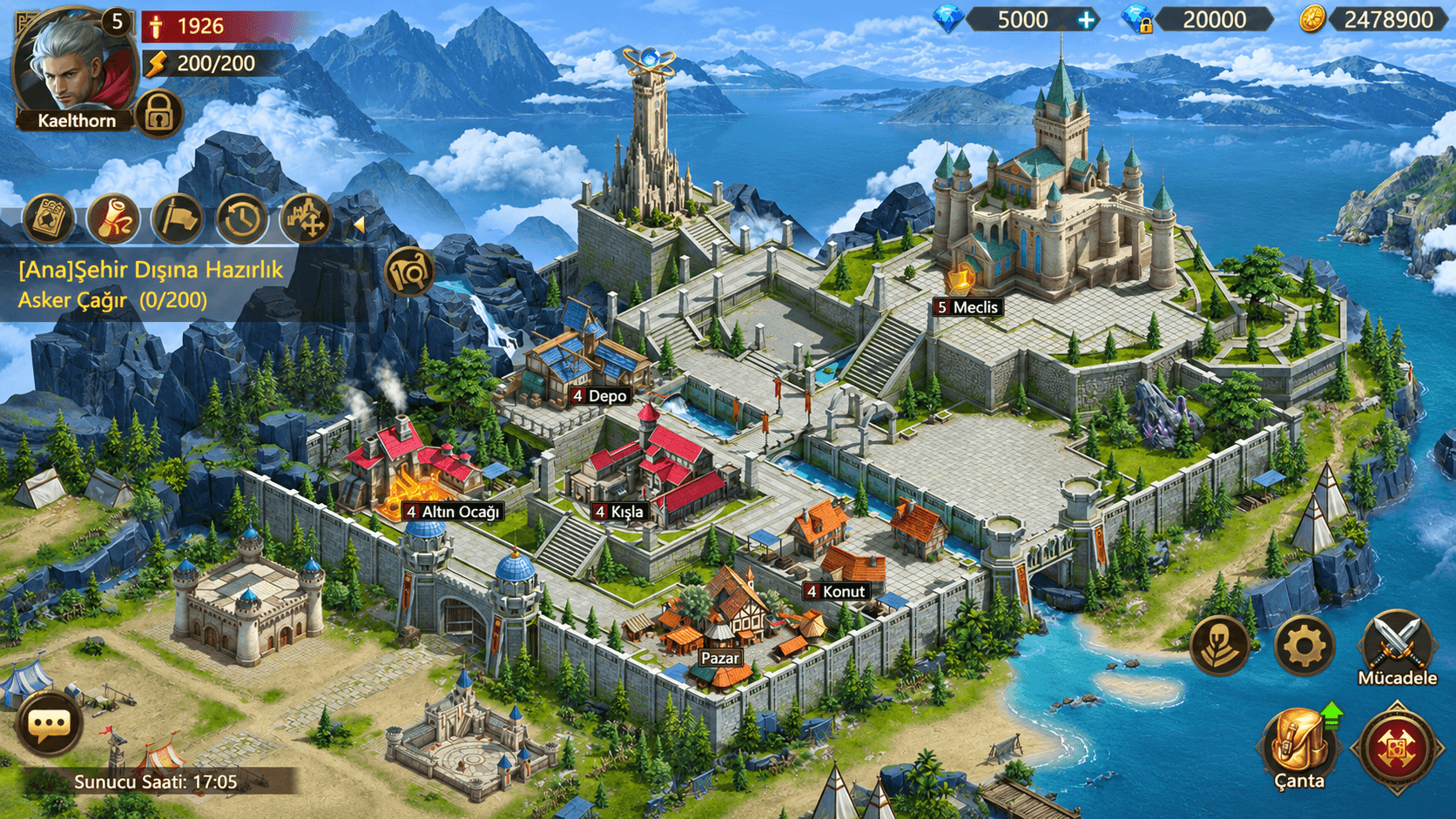

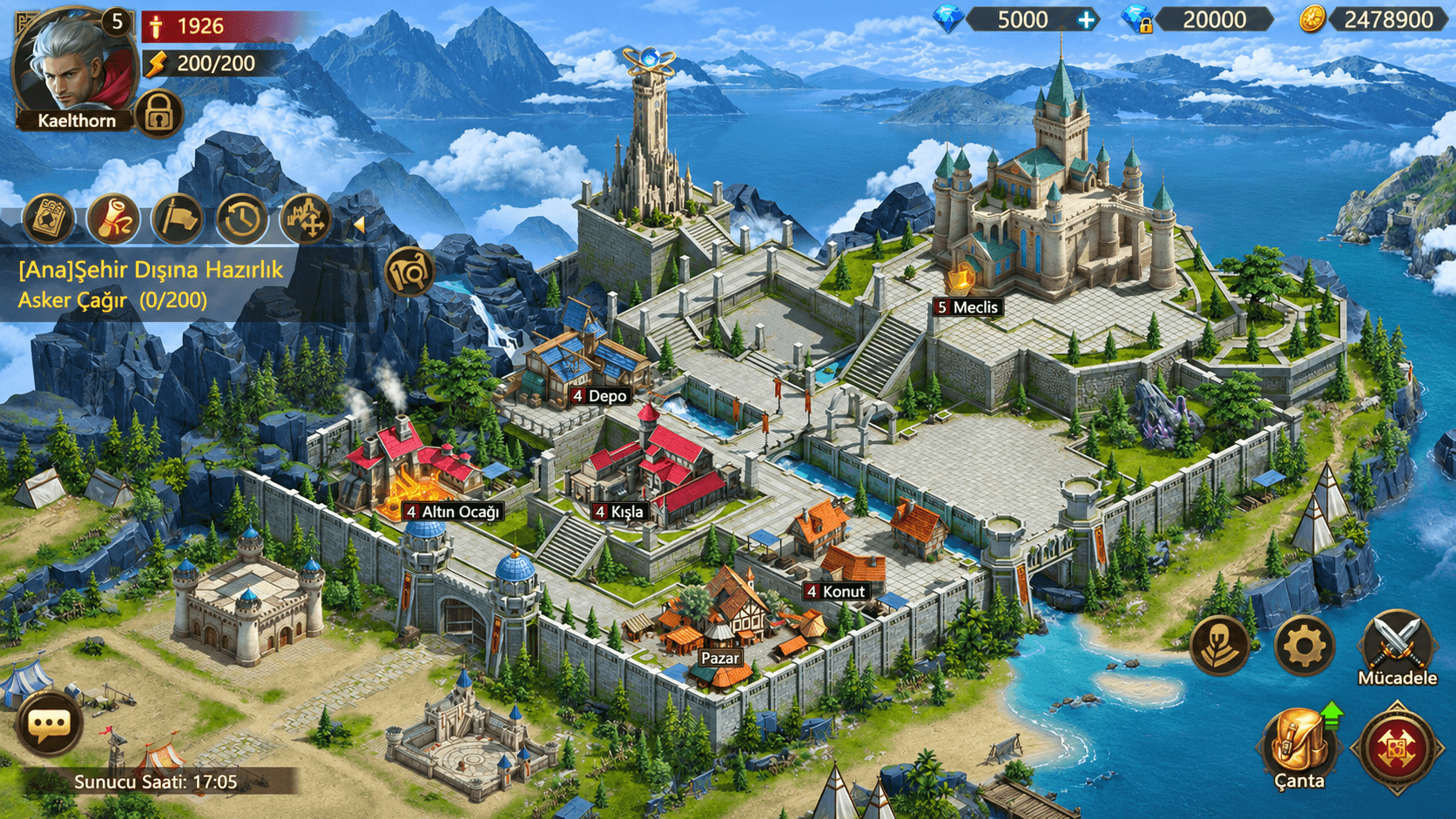
One world. Your screen.
Where your adventure continues is up to you.
Want to start right away?
Play in your browserJUST A FEW STEPS AWAY
Get ready. Enter the world.
- 01
Download your version
Choose Download for Windows to save the installer.
- 02
Complete the setup
Run the downloaded file and follow the setup steps. No administrator rights needed.
- 03
Begin your legend
Open the Legend Online desktop icon. Sign in and join the adventure.
Installation notes & tips
- Choose Download for Windows and run the installer. No administrator rights needed; the game is added to your desktop and Start menu.
- If a blue “Windows protected your PC” (SmartScreen) window appears, click More info, then Run anyway.
- When setup finishes, start Legend Online and sign in with your account.
The SmartScreen warning appears because the app is new and not yet code-signed; the file is safe only when downloaded from this site. If your browser blocks the download, choose Keep / Keep anyway in the downloads list.
Portable ZIP: if you don't want to install, extract the zip to a folder and run Legend Online.exe.
Shortcuts: F11 fullscreen · F5 reload · Ctrl + / - / 0 zoom. When a new version is out, the app sends you to this page.
Uninstall: Settings → Apps → Legend Online → Uninstall.
GOOD TO KNOW
Your questions, answered
Can I use the same account on different devices?
Yes. Sign in with the same Legend Online account on your phone, computer and browser. You don't need to create a new account for each platform.
Can I play without downloading?
Yes. Choose “Play in your browser” and sign in on the game page. The browser version doesn't need an installation.
Which version should I use on iPhone or iPad?
Play in Safari and choose “Add to Home Screen” from the Share menu for app-like access. The App Store version has not been released yet.
How do I get updates?
The latest files are on this page. On Android, install the new APK over the existing app. The Windows app directs you here when a new version is available.

YOUR WORLD IS WAITING
Make your first move.
Start your adventure while the download runs. Open Legend Online in your browser.